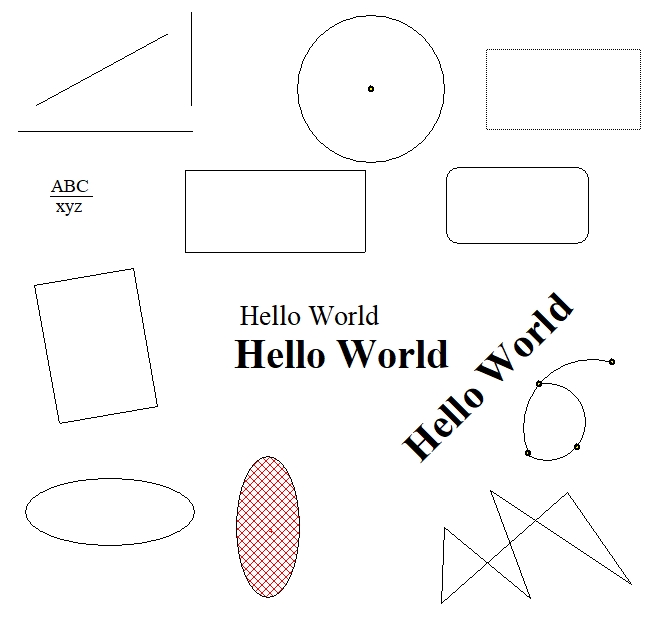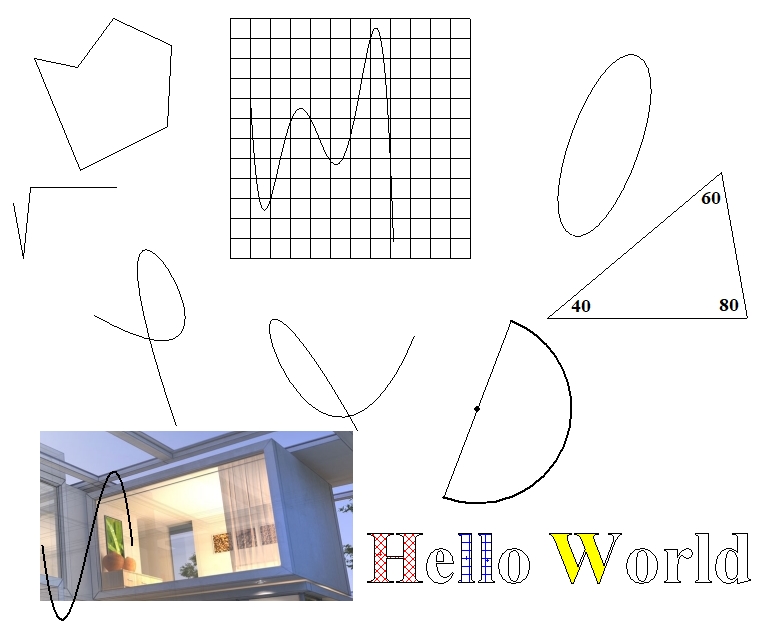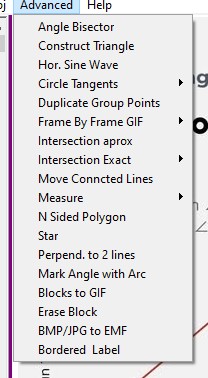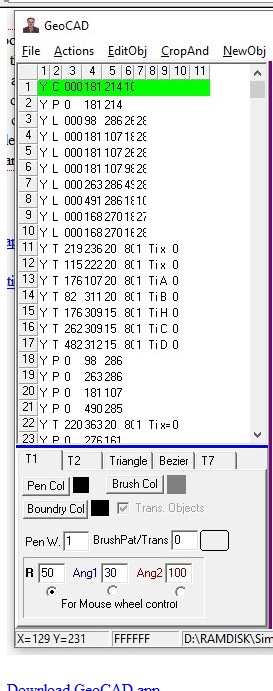
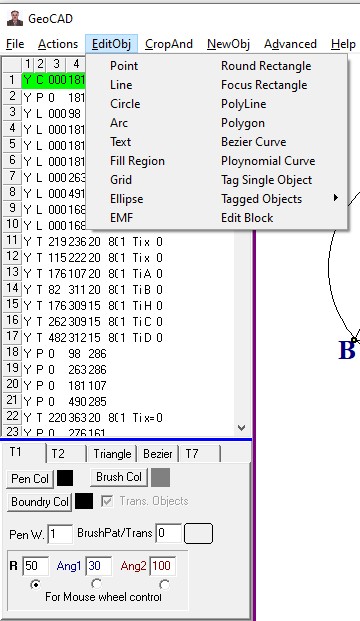
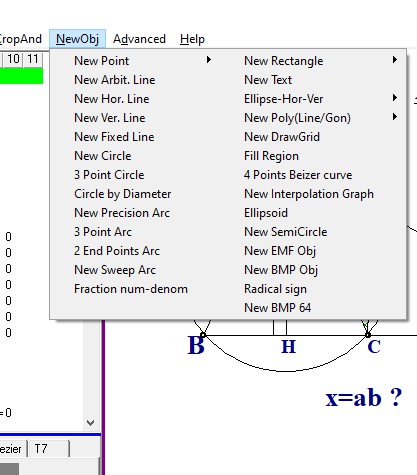
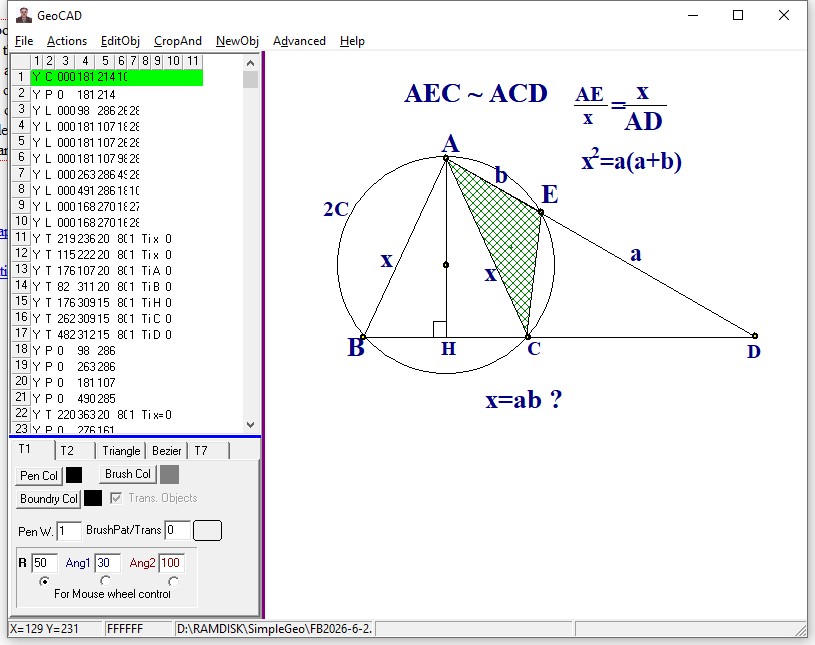
GeoCAD is a vector based drawing program like PDF that its outout can be both EMF(Enhanced Windows Meta Files) and JPG formats. The drawings are saved in ASCII format , which made troubleshooting the program in early stages easy and fast. The output files have GEO extentions that are text files. You can simply concatinate files and easily combile them. You can run multiple instances with any problem. No installation is needed just download and create a shortcut. After you finished the drawing you simple crop the area of interest and paste it in the WORD either as EMF or BMP and add your own text explanation. GeoCAD does not print . In-order to print a GeoCAD file you paste it in the WORD and use it superior documentation abilities . With GeoCAD you can easily copy any Geometry or math related picture into it canvas and then use its drawing abilities to modify the diagram like showing the necessary auxiliary lines that are sometimes needed to solve advanced Geometry problems. Are you dome you simply crop the area you like and paste it in Linkedin, Facebook math groups. It does not have fancy equation editing capabilities but you can use MS Equation editor and paste the equation as EMF in the canvas. The help file consists of 2 parts. The GeoCAD.pdf that brifly talks about the app and its feaures and demos.zip file wich has 70 diagrams created by GeoCAD that can better help you use the app for drawings. |
|
|
|
|
|
|